Mouse Clicker
For Blox Fruits
Fast & Consistent Auto Clicker for Grinding, Farming & Combat
Maintain stable click speed during fights, automate repetitive farming, and reduce manual strain in long Blox Fruits sessions.
Free
Lightweight
No registration
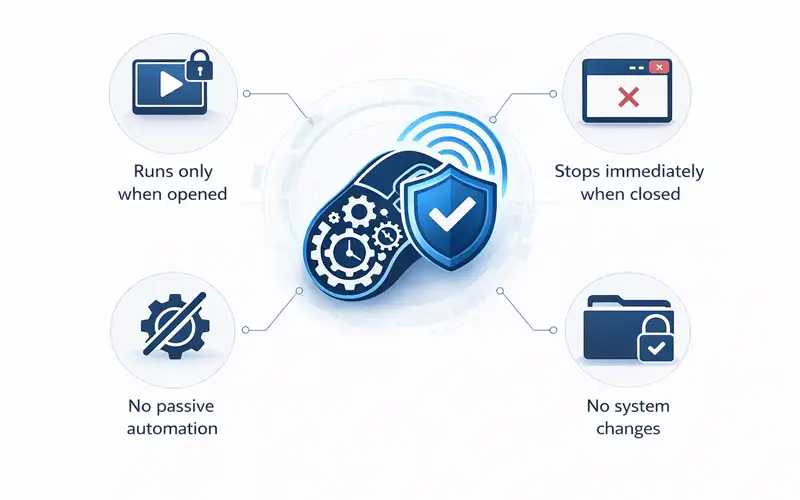
Clean & Safe
Supported Platforms
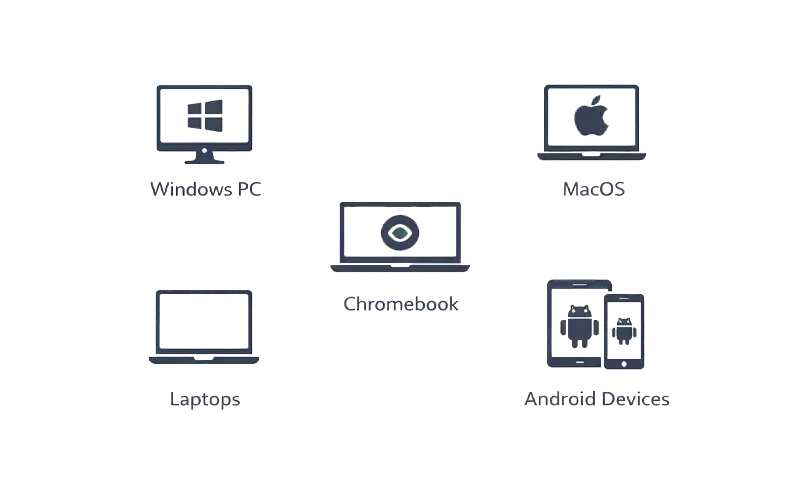
Mouse Clicker is compatible with the following platforms:
- Windows PC
- MacOS
- Laptops
- Chromebook
- Android devices
How to Use in Roblox
01
Download the correct version
Choose your device and get the file.
02
Launch the application
No installation or account required.
03
Set your click speed
Adjust timing based on your combat or farming style.
04
Start during gameplay
Run automation only when needed and stop instantly.
Features
Feature | Description |
Blox Fruits-Specific Automation | Automates repetitive tasks such as grinding, farming, and combat in Blox Fruits. |
Multi-Platform Support | Works seamlessly across Windows PC, Mac, Chromebook (browser-based), and Android devices. |
Adjustable Click Speed | Customize click speed to suit your needs, from slow for precision to fast for rapid tasks. |
Safe and Secure | 100% malware-free, with no modification of Blox Fruits game files. |
Lightweight & Efficient | Uses minimal system resources, ensuring smooth gameplay even during long sessions. |
No Ads or Bundled Software | Enjoy uninterrupted play with no ads or third-party software. |
User-Controlled Automation | Start and stop automation with a single click — no account required. |

Built for Roblox Gameplay
Mouse Clicker helps with:
Farming or resource collection
Combat actions in PvP games
Building and bridging in obbys and tycoons
Long gameplay sessions without finger fatigue
Download Mouse Clicker for Blox Fruits
Start automated clicking in seconds and keep your gameplay consistent.
- Free to use
- Blox Fruits Compatible
- Lightweight and fast
- Free to use
- Blox Fruits Compatible
- Lightweight and fast