Free Auto Clicker for Chromebook Users
Automate repetitive clicking tasks on your Chromebook with precision and full control. Mouse Clicker is lightweight, runs only when you launch it, and requires no registration, installation, or background services
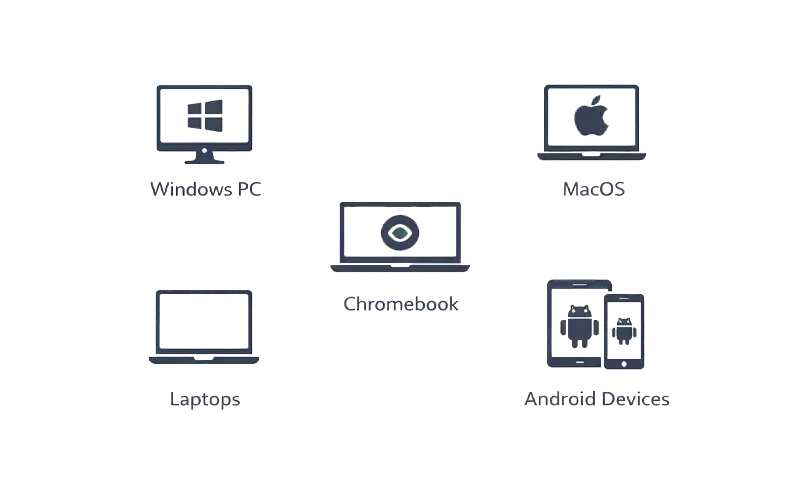
Mouse Clicker works seamlessly on most Chromebook devices using browser-based environments.
Supported platforms:
Get the official Mouse Clicker file from the website.
No installation wizard or account creation is needed.
Set timing and click execution preferences.
Control automation whenever you need it.
Web-Based Automation
Runs directly in the browser environment without requiring installation.
Adjustable Click Speed
Set the click speed based on your needs, from slow to ultra-fast.
Lightweight & Efficient
Minimal system resource usage, ensuring smooth performance.
Safe & Secure
100% malware-free with no background services or access to system files.
Chrome OS Compatibility
Fully compatible with Chrome OS laptops, desktop mode, and Chrome browser environments.
No Forced Updates
Enjoy uninterrupted service without forced updates or automatic installations.
Ad-Free Experience
No interruptions from ads during your use of Mouse Clicker.
Mouse Clicker helps with:
Automate clicks on your Chromebook quickly and safely.