
Mouse Clicker
For Windows
Download Free Auto Clicker for Windows PC
Stop wasting time on clicks that your computer can handle for you. Mouse Clicker for Windows delivers precise, configurable mouse automation that runs on demand, leaves no footprint on your system, and works the moment you open it, no setup, no account, no background activity.



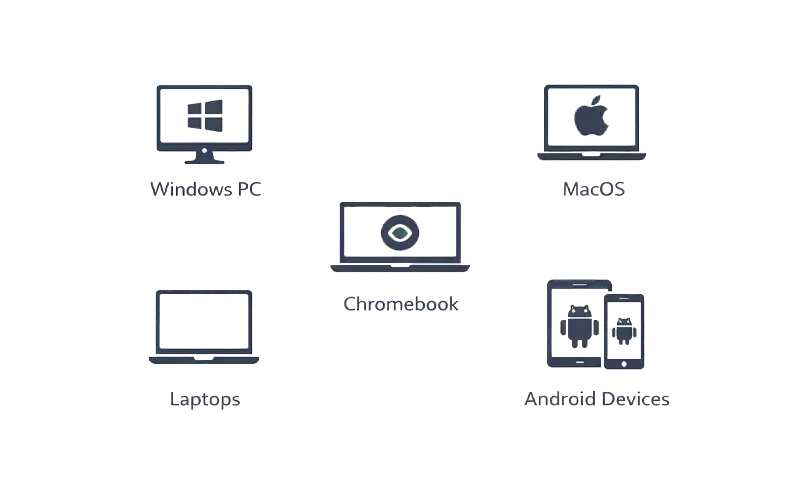
Windows Compatibility
Mouse Clicker works seamlessly across:
- Windows 7, 8, 10, 11, and higher
- Laptops and desktops
- Applications, games, and productivity tasks
How to Use on Windows
Download the official application
Pick the Windows build that matches your system architecture. The file is a self-contained portable executable, one download, no wizard, no third-party software attached.
Launch the program
Run the file directly from wherever you saved it. No account creation, no activation key, no permission prompts. The tool opens in under a second.
Configure click intervals
Define your click interval in milliseconds, select left or right click, and set your target CPS (clicks per second). Every parameter adjusts in real time before you start.
Start and stop instantly
Map a hotkey to toggle automation without leaving your active window. The tool starts precisely when triggered and cuts off the moment you stop it, with zero residual input.
Features of Mouse Clicker for Windows
Feature | Description |
Continuous Click Automation | Runs uninterrupted click sequences at defined intervals without requiring any manual input throughout the session. |
Adjustable Click Speed | Dial in your exact CPS or set a millisecond interval, full range from single slow clicks to high-frequency rapid automation. |
No Installation Required | Self-contained portable file. No registry writes, no startup entries, no background services, clean execution every time. |
Safe & Secure | No data collection, no network calls during use. File integrity independently verified as 100% malware-free. |
Lightweight & Efficient | Runs on minimal CPU and RAM. Performs consistently alongside games, browsers, and productivity software without drag. |
Ad-Free & No Bundled Software | Single file, single purpose. No adware, no toolbars, no silent third-party installs bundled into the download. |
Wide Compatibility | Confirmed functional on Windows 7, 8, 8.1, 10, and 11 across 32-bit and 64-bit architectures without patches. |
Why Choose Mouse Clicker for Windows
Compatible with all modern Windows systems
Stable and predictable performance
Simple interface for beginners and advanced users
Maintains full transparency and control
Download Auto Clicker for Windows PC
Automate clicks on your Windows PC quickly and safely.
- Free to use
- Windows Compatible
- Lightweight and fast
- Free to use
- Windows Compatible
- Lightweight and fast