
How do mouse clickers function specifically on Windows platforms?
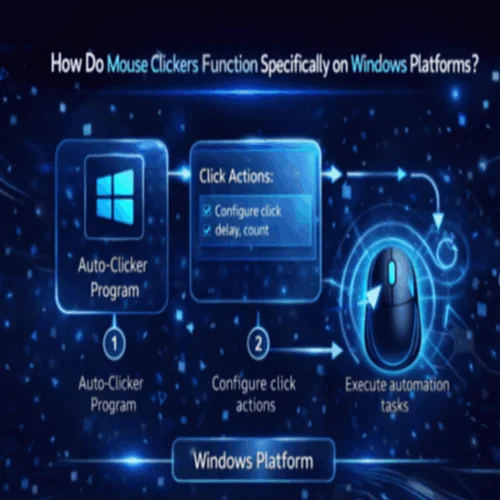
A mouse clicker on Windows is a software application that automates mouse input actions by generating synthetic click events through the Windows input subsystem, specifically by calling the SendInput API, which inserts structured mouse events directly into the Windows event queue where they are processed identically to physical hardware input. No hardware manipulation occurs; the […]
What Steps Should Users Follow to Install Mouse Clicker Software Securely?
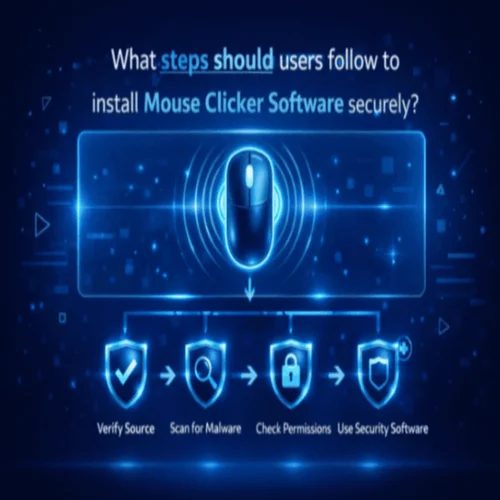
Installing desktop utilities that manipulate input hardware pipelines requires strict adherence to security protocols. Because mouse clickers utilize low-level system APIs to simulate physical clicks, operating system security engines scrutinize these installers before granting execution rights. Following a structured installation workflow prevents malware infection, bypasses false security warnings safely, and ensures long-term system integrity. This […]
How can mouse clickers assist users with motor impairments?
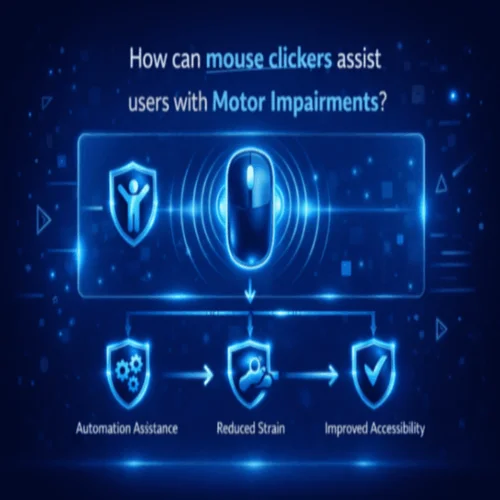
Mouse clickers are valuable tools for users with motor impairments, offering enhanced accessibility and reducing the physical strain associated with repetitive clicking. By automating click actions, these tools make computer interactions simpler and more efficient, particularly for those with limited hand mobility or conditions like hand tremors. This blog will explore the ways in which […]
What permissions are required for mouse clicker software to function correctly?
A permission, in the context of Mouse Clicker, is an explicit authorization granted by the user through the operating system that allows the software to perform a specific category of action, most critically, simulating synthetic mouse input. Modern operating systems don’t allow any application to generate mouse events by default; the user must actively grant […]
How Do Operating Systems Assess Mouse Clicker Safety?

Operating system safety mechanisms dictate whether software runs smoothly or gets blocked at launch. Modern desktop operating systems, primarily Microsoft Windows, Apple macOS, and various Linux distributions, prioritize system integrity by evaluating application behavior, administrative privilege requests, digital signatures, and hardware API access. When a user executes a mouse clicker utility, the operating system assesses […]
Why Is Mouse Clicker Software Sometimes Flagged by Antivirus Tools?
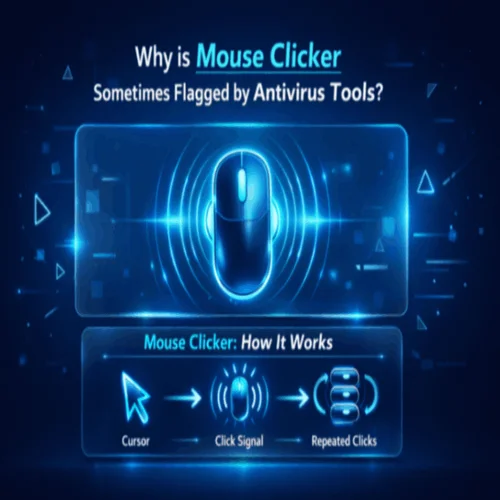
Installing an auto-clicker utility on a modern Windows, macOS, or Linux system occasionally triggers immediate warnings from security engines like Windows Defender, Bitdefender, Malwarebytes, or Norton. These alerts often display alarming labels such as PUA.Win32.General, Heur.Bypass, Riskware.AutoClicker, or Trojan.Generic. For users who downloaded the utility directly from a legitimate developer, these flags create immediate concern. […]
How Does Mouse Clicker Handle Sustained Click Automation on Low-Spec Systems?

Running automated mouse click routines over extended periods requires consistent system efficiency. While high-performance computers handle automated input scripts without noticeable performance drops, low-spec systems present unique operational constraints. Computers with dual-core processors, 4GB to 8GB of RAM, integrated graphics, or lightweight operating systems like ChromeOS can experience bottlenecks under sustained software loops. When an […]
How Does Mouse Clicker’s Continuous Automation Affect Battery Consumption on Laptops and PCs?
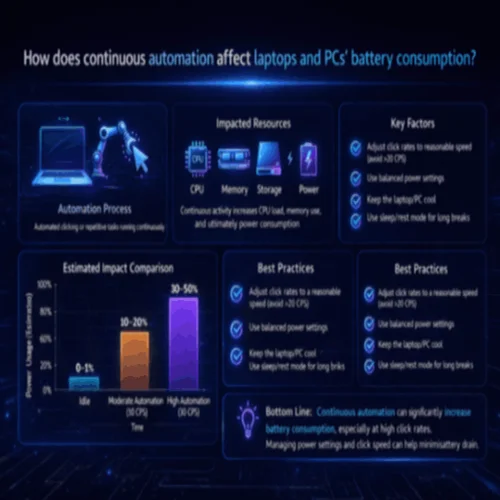
Mouse Clicker’s continuous automation affects battery consumption on laptops and PCs by engaging CPU, memory, and storage resources at controlled intervals. Understanding how Mouse Clicker manages these resource demands and how users can optimize battery performance during long automation sessions directly determines the efficiency and battery longevity of the device during automated workflows. What Is […]
What Effect Does Prolonged Clicking Have on System Resources?
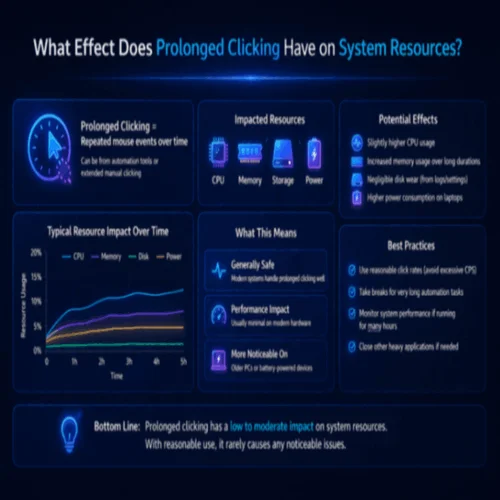
System resource impact from prolonged clicking refers to the cumulative demand that sustained, automated mouse input places on a device’s CPU, RAM, power supply, and task scheduling over an extended session, distinct from the brief, recoverable load of a short automation run. While a single click event costs almost nothing, repeating that event continuously for […]
How Does Mouse Clicker Software Impact CPU Performance?
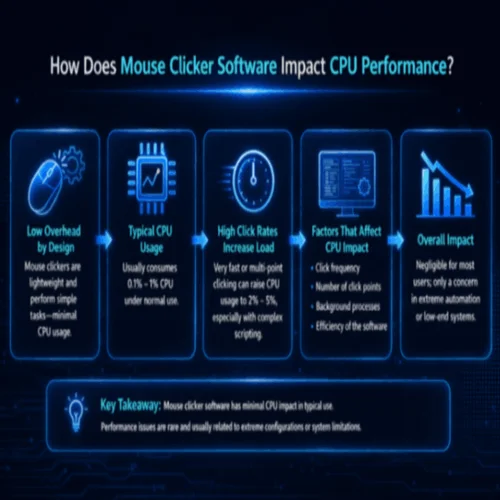
CPU performance impact refers to how much processing power an application consumes from the system’s central processor while running, measured as a percentage of total CPU capacity. For Mouse Clicker, this means the processing load generated each time it sends a synthetic click event to the operating system. Every click requires the CPU to register, […]