Free Auto Clicker
For Android Phones & Tablets

Automate repetitive taps with precise speed and full control.
Mouse Clicker for Android is a lightweight auto-clicker designed for mobile games, apps, and continuous-input tasks, with no registration or background activity.

Free
Lightweight
No Registration
No Ads

Android Compatibility

Works on most modern Android devices with stable and consistent performance.

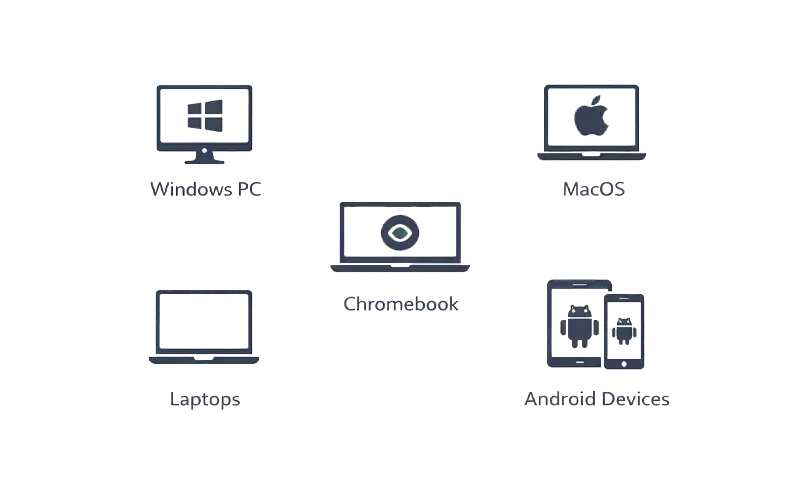
Supported environments:

How to Use Mouse Clicker in Android

01

Download the App

Get the official Mouse Clicker APK from our website.

02

Install the App

Follow standard installation procedures to set up the application on your Android device.

03

Set Click Intervals and Start

Define click intervals, speeds, and start automation. You can stop or pause automation at any time.

04

Enjoy Automated Clickin

Let the app handle repetitive tasks while you focus on other aspects of your game or app.

Features

Feature

Description

Continuous Tap Automation

Automates repetitive taps for games, apps, and tasks.

Adjustable Click Speed

Set the click speed to your preferred level, from slow to fast.

Lightweight & Efficient

Uses minimal system resources, ensuring smooth performance.

Easy Start/Stop Control

Instantly start and stop click automation with a single tap.

No Installation Required

Portable app with no setup or background services required.

Safe & Secure

100% malware-free, with no personal data collection.

Ad-Free Experience

Enjoy uninterrupted automation without any ads.

Wide Compatibility

Compatible with Android 8.0+ and most Android devices.

Built for Mobile Automation

Mouse Clicker for Android is commonly used for:

Mobile gaming tap automation

Repetitive in-app actions

Incremental and idle games

App interaction testing

Accessibility support

Download Mouse Clicker for Android

Start automated tapping in seconds with a clean, portable APK.