Mouse Clicker
For iPhone

Download Free Auto Clicker for iPhone and iOS Devices

Automate repetitive tapping tasks on your iPhone with precision and control.

Mouse Clicker provides safe, user-controlled automation designed for iOS users no hidden processes, no system modifications, and no forced registration.

Free
Lightweight
No registration required

iPhone / iOS Compatibility

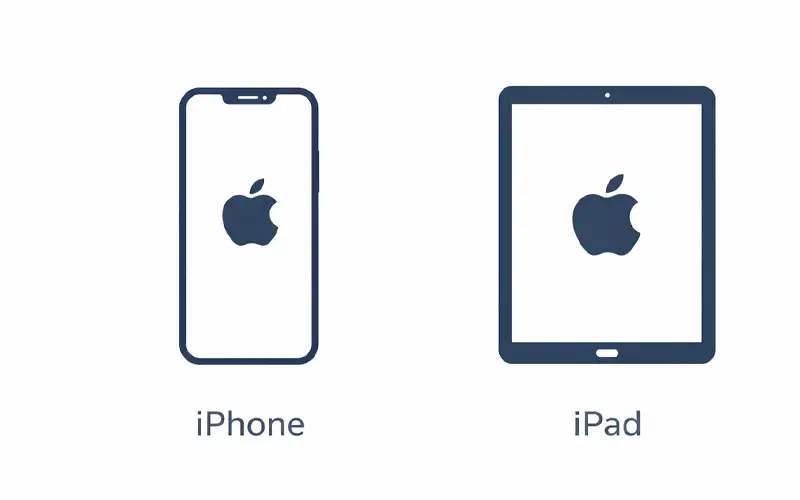
Mouse Clicker is compatible with iOS devices running iOS 13 and above.

Supported devices:

How to Use on iPhone

01

Download the official file or access the web version

Follow the link provided for iOS users.

02

Launch the app or web tool

No account creation or complex setup required.

03

Set click intervals

Adjust timing for precision or rapid automation.

04

Start and stop instantly

Automation only runs when you activate it. Stop immediately at any time.

Features

Feature

Description

iPhone & iPad Compatibility

Fully compatible with iPhone 5s and newer, including iPad and iPad Mini.

Continuous Tap Automation

Automate repetitive touch actions without manual input.

Adjustable Click Speed

Set the speed of your taps, from slow to ultra-fast.

Lightweight & Efficient

Optimized for smooth performance with minimal system resource usage.

No Installation Required

Download directly from the App Store, no setup or background processes.

Safe & Secure

100% malware-free, with no bundled software or unwanted tools.

Easy Start/Stop Control

Start and stop tap automation with a simple touch.

Ad-Free Experience

No interruptions from ads, offering uninterrupted use.

No Forced Updates

Use the latest version without forced or automatic updates.

Why Choose Mouse Clicker for iPhone

Compatible with most modern iOS devices (iPhone / iPad)

Safe and transparent operation

Easy to use for beginners and advanced users alike

Download Auto Clicker for iPhone

Click below to start automating your taps on iPhone and iPad.