Download Mouse Clicker
For Linux

Download Free Auto Clicker for Linux Systems

Automate repetitive mouse clicks on Linux with precision and control.

Mouse Clicker for Linux is lightweight, user-controlled, and runs only when you launch it no background services, no system modifications, and no registration required.

Free
Lightweight
No registration required

Linux Compatibility

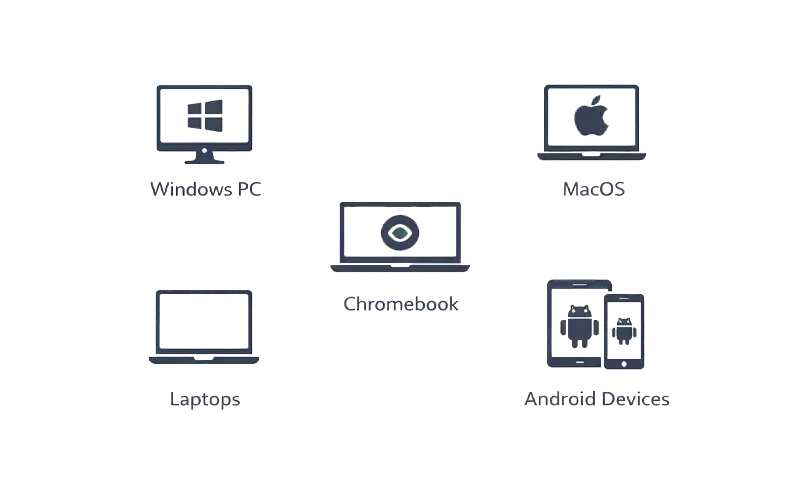
Mouse Clicker works on most Linux distributions and desktop environments, including Ubuntu, Fedora, Debian, and others.

Supported environments:

How to Use on Linux

01

Download the application

Get the official Linux version from the website.

02

Launch the program

No installation wizard or account creation needed.

03

Configure click intervals

 Set timing and click execution preferences based on your workflow.

04

Start and stop instantly

Run automation only when needed. Stop immediately at any time.

Features

Feature

Description

Continuous Click Automation

Automate repetitive clicks to save time and effort.

Adjustable Click Speed

Customize the click speed to suit your needs.

No Installation Required

Portable app with no setup required, just download and run.

Lightweight & Efficient

Minimal system resource usage, ensuring smooth operation.

Safe & Secure

100% malware-free, with no personal data collection.

Wide Compatibility

Fully compatible with Ubuntu, Linux Mint, and other Debian-based distributions.

No Background Services

The software runs only when opened, avoiding any background processes.

No Forced Updates

Enjoy the latest version without forced or hidden updates.

Ad-Free Experience

No ads during use, providing uninterrupted automation.

Why Choose Mouse Clicker for Linux

Compatible with all modern Windows systems

Stable and predictable performance

Simple, clean interface for beginners and advanced users

Maintains full transparency and control

Download Mouse Clicker for Linux

Automate clicks on your Linux system quickly and safely.